
Time and Attendance
Timekeeping Made Simple
Time tracking shouldn’t slow your business down. PayFWDs helps you manage schedules, track hours, and stay compliant, all while cutting down on manual work and labor costs.
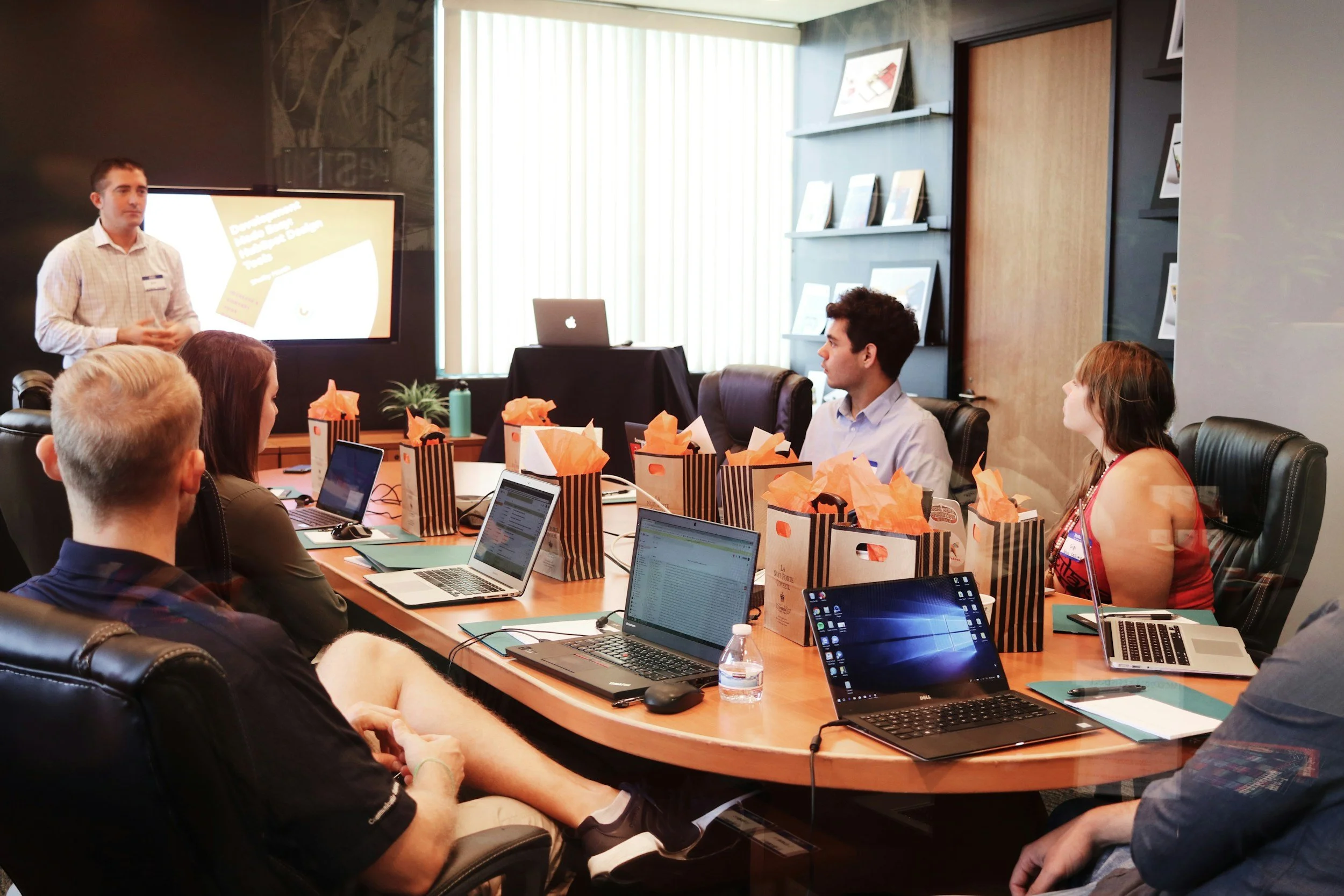
Designed for Accuracy and Ease
Our time and labor system is built to keep everything running smoothly. Create schedules, manage overtime, approve time-off requests, and automatically apply labor rules to stay compliant.
Employees can clock in, swap shifts, or request time off from their phone, while managers get a clear view of who’s working and when.
Automate Tracking and Accruals
Say goodbye to manual adjustments. Our system automatically enforces attendance and accrual policies so balances are always accurate. You’ll have instant visibility into attendance points and time-off eligibility.
Easy Self-Service for Employees
Whether your team is in the office or spread out across locations, they can track time their way. From mobile devices, web clocks, or physical punch stations, PayFWDs can provide a robust solution for your employee self-service needs.
Employees can clock in or out, review timesheets, and request time off. Managers can approve, edit, or adjust everything in real time.
Simplify Daily Tasks
Your timekeeping dashboard keeps key tasks front and center. In your dashboard, you can approve timesheets, manage schedules, and handle exceptions with one click. The built-in time-off calendar gives you a clear view of who’s out and when.
Time Capture Options That Work for You
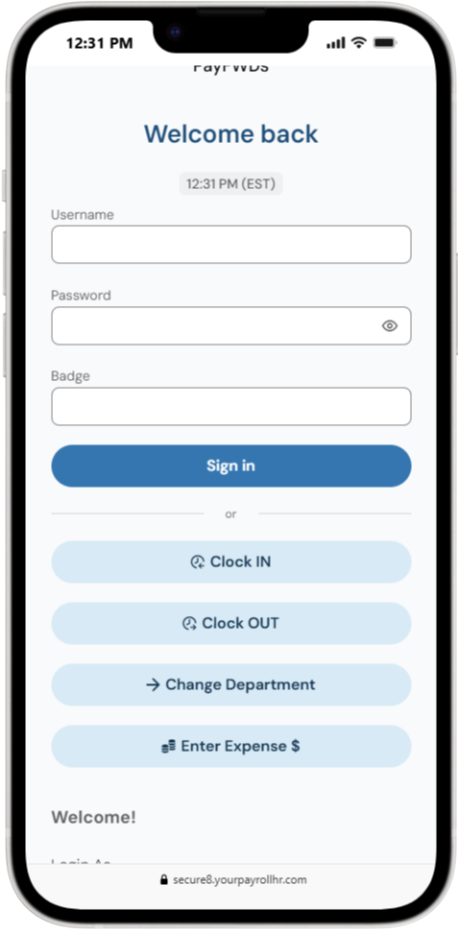
Mobile App Punching
Let employees clock in or out from their phone with GPS verification and optional geofencing for accuracy.
Features include:
Biometric login
Geofencing and punch map
Profile restrictions
Offline punching
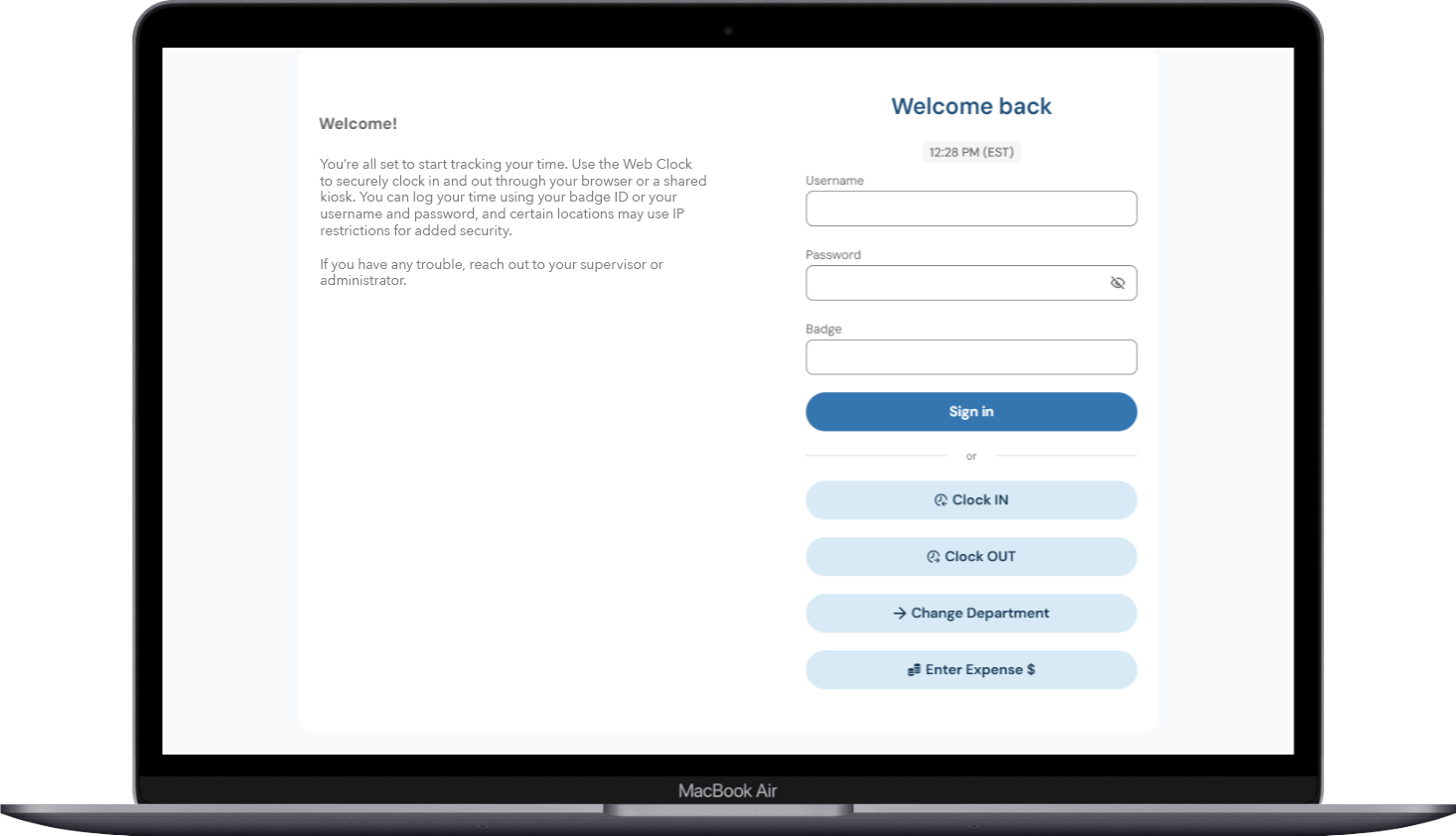
Web Clock
Capture punches through a secure browser-based clock using employee logins or shared kiosks.
Features include:
Badge ID or username and password
IP restrictions for extra control
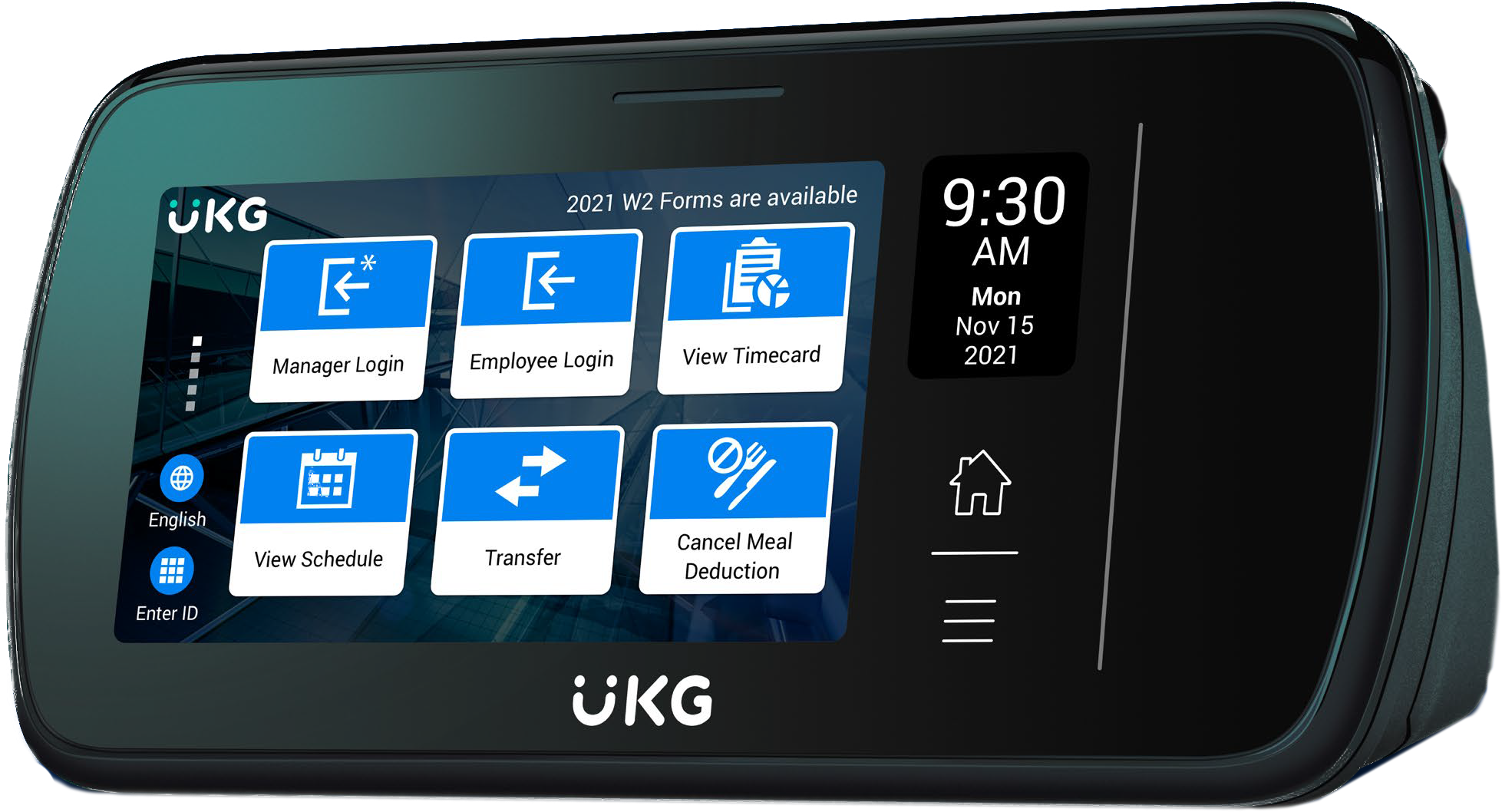
Physical Clocks
Choose from simple touch clocks, fingerprint scanners, or touch-free facial recognition. You’ll be able to choose what fits your workflow best!
Features include:
Biometric options
Facial recognition
Offline punching
Employee self-service



Solutions Built for Every Business
From small business owners to multi-location teams, every industry has its own challenges. PayFWDs meets you where you are, offering the right mix of tech and personal support to keep your people, processes, and payroll running smoothly.